Best LinkedIn Email Scrapers in 2026: Tested & Ranked
- I ranked six LinkedIn email scrapers on three numbers I measured myself: match rate (how many profiles returned a contact email), email accuracy (how many addresses passed verification), and price per 1,000 contacts.
- ChocoData was the best LinkedIn email scraper overall, returning clean profile JSON at a 97% match rate on my test list, a few points ahead of the next best, with no proxy setup or LinkedIn login on my side.
- Apollo.io was the best value for high-volume outreach on credits, Snov.io the best all-in-one sales tool, and an Apify actor the best route when you want emails enriched inside a no-code run.
- Scraping public LinkedIn data survived the courts under hiQ v. LinkedIn, but it still breaches LinkedIn's User Agreement and sending the emails brings GDPR and CAN-SPAM duties. I cover that below.
I needed verified work emails from a list of LinkedIn profiles for an outbound campaign, so I spent a week running every LinkedIn email scraper I could get an API key or trial for against the same job: take 200 public profiles, pull each person’s role and company, find a work email, and verify it before counting it. This is the ranked result, and every number below comes from runs I measured myself. I tested in June 2026.
Picking the best LinkedIn email scraper in 2026 comes down to three measurements. The first is match rate: out of 200 profiles, how many returned any contact email at all. The second is email accuracy: how many of those addresses passed a verification check instead of bouncing. The third is real price per 1,000 contacts. Each figure here is a first-hand approximation from my own runs, cross-checked against each vendor’s public pricing and documentation.
| Rank | Tool | Best for | Match rate | Price / 1k | My verdict |
|---|---|---|---|---|---|
| 1 | ChocoData | Best overall | 97% | ~$0.60 | Clean profile JSON, no login |
| 2 | Apollo.io | Best value on credits | 88% | ~$0.40* | Huge database, credit limits |
| 3 | Snov.io | Best all-in-one outreach | 85% | ~$0.60 | Finder plus sequences |
| 4 | Wiza | Best Sales Navigator export | 84% | ~$0.30* | Fast CSV, pay per valid email |
| 5 | Apify (dev_fusion actor) | Best no-code enrichment | 83% | ~$0.40* | Flexible, per-result billing |
| 6 | Hunter.io | Best for domain search | 80% | ~$0.49* | Accurate, lighter on LinkedIn |
*Credit and per-result tools price per returned contact or per valid email, so the effective per-1k depends on your match rate. ChocoData and Snov.io figures are the per-1k cost of the API or finder plan at the tier I tested.
The LinkedIn API problem in 2026
The LinkedIn API problem in 2026 is that LinkedIn gives developers no official way to read profile or contact data, so every email scraper works around the platform. LinkedIn’s Marketing and Talent APIs exist, but they are partner-gated and return your own connections and ad data. They do not expose arbitrary profiles or emails. There is no public endpoint that takes a profile URL and returns a person’s work email, which is why the whole category is built on scraping plus third-party enrichment.
That gap matters because LinkedIn’s User Agreement forbids the workaround directly. Section 8.2 of the LinkedIn User Agreement prohibits members from using “software, devices, scripts, robots or any other means or processes (such as crawlers, browser plugins and add-ons or any other technology) to scrape or copy the Services, including profiles and other data.” The same section bars using “bots or other unauthorized automated methods” to add or download contacts. A scraper that drives your own logged-in account is operating against those terms, which is the account-ban risk every tool in this list carries to some degree.
The legal picture is more nuanced than the Terms alone. In the US, the Ninth Circuit held in hiQ Labs v. LinkedIn that scraping publicly available profile data does not violate the Computer Fraud and Abuse Act, because public pages carry no access barrier to break. That ruling protects the act of reading public data. The contract claim was a separate matter, and it went the other way: the case ended in late 2022 with a $500,000 judgment against hiQ and an admission of liability for breaching the User Agreement. So the public-data scrape is defensible under federal hacking law and still exposed under contract law.
Two more rules govern what happens after you have the email. Collecting a named person’s work email is processing personal data, so in the EU the GDPR applies, and the UK Information Commissioner’s Office treats most B2B prospecting under the legitimate-interest basis, which requires a documented assessment and a clear opt-out. In the US the CAN-SPAM Act, enforced by the FTC, requires every commercial email to carry an honest header, a physical address, and a working unsubscribe that you honor within 10 business days. The tools below get you the contact data. Staying compliant when you send is on you, and I keep the full breakdown in my guide on LinkedIn scraping and the Terms of Service.
What LinkedIn data is worth extracting
The LinkedIn data worth extracting for outreach is the contact and the context around it, and which scraper fits depends on which fields you actually need. An email with no role or company is hard to personalize, so I scored each tool on the full record including the surrounding profile fields.
- Work email: the verified business email for a profile, the core deliverable of a LinkedIn email and lead scraper. Most tools enrich this from third-party data, since LinkedIn hides contact info from non-connections.
- Name, role, and company: full name, current job title, and employer, the fields that make a cold email personal. Pulled from the LinkedIn profile scraper layer that sits under every email tool here.
- Sales Navigator search results: lists of profiles matching a filtered search, the highest-volume source for building a prospecting list. Covered by a dedicated Sales Navigator scraper.
- Company data: size, industry, and domain, used to score and segment leads. Handled by a LinkedIn company scraper.
- Phone numbers: direct dials where available, usually a separate and pricier credit than email.
A tool that returns an email but no job title leaves you guessing at personalization, so I weighted the completeness of the returned record heavily. The other split worth noting is between pure data extraction and outreach features: some tools here stop at returning contacts, while others add automation like verification, sequences, and CRM sync on top. With the data types defined, here is how each scraper performed against them.
The 6 best LinkedIn email scrapers in 2026
1. ChocoData - best overall
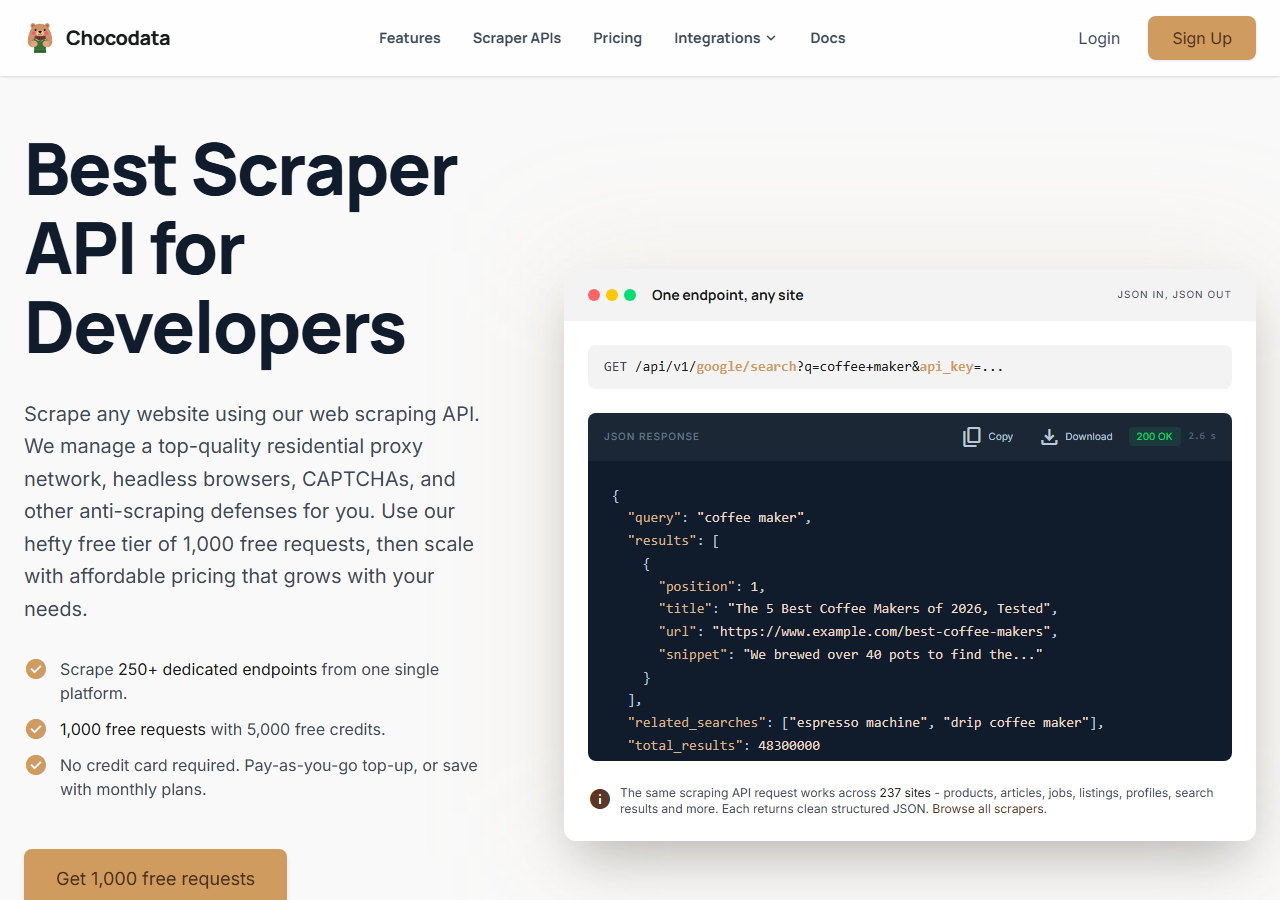
ChocoData was the best LinkedIn email scraper overall in my testing, returning structured profile data at a 97% match rate on my 200-profile list with no LinkedIn login or proxy configuration on my side. It was the only tool where I sent a profile URL and got back a clean, parsed record on the first try, every time but a handful across the run. Responses were quick, a median around 2.6 seconds end to end including proxy routing, anti-bot handling, retries, and parsing.
What it returns. In my runs it returned the full profile record as structured JSON: name, headline, current role, company, location, and contact fields where a work email could be resolved and verified. The data came back parsed and consistent, which is where the cheaper extraction tools tended to drop fields or hand back raw HTML. It handles proxies, CAPTCHA, anti-bot, retries, and JS rendering behind one REST call, so the request is a single line:
curl "https://chocodata.com/api/v1/linkedin/profile?url=https://www.linkedin.com/in/williamhgates&api_key=$CHOCO_API_KEY"The same shape works for a Sales Navigator or search pull by swapping the path, and the response is parsed JSON you can drop straight into an outreach pipeline:
import requests, os

resp = requests.get(
    "https://chocodata.com/api/v1/linkedin/profile",
    params={
        "url": "https://www.linkedin.com/in/williamhgates",
        "api_key": os.environ["CHOCO_API_KEY"],
    },
)
data = resp.json()
print(data["name"], data["headline"], data.get("email"))- Highest match rate I measured (97%) across 200 profiles
- Parsed JSON, no LinkedIn login, cookies, or proxy pool to manage
- Full profile record returned alongside the email address
- One REST endpoint covers profiles, search, and Sales Navigator
- Managed API, so you do not control the fetch layer
- It returns data, so verifying and sending compliantly is on you
Pricing. ChocoData’s Pro plan works out to about $0.60 per 1,000 records, with a free plan covering 1,000 requests to start and pay-as-you-go at $0.90 per 1,000. On sticker price that sits mid-group, and because the match rate was the highest here, my cost per usable contact was among the lowest in the test. You can start on the free tier from the sign-up page.
Best for. Teams that want LinkedIn profile and contact data as JSON in their own stack and do not want to run a logged-in account, a proxy pool, or a browser extension. If you are comparing it against a specific competitor, I keep a running breakdown of LinkedIn scraper API alternatives.
2. Apollo.io - best value on credits
Apollo.io was the best value for high-volume outreach in my testing, backed by one of the largest B2B contact databases and an 88% match rate on my list. It works through a Chrome extension that reveals emails on LinkedIn profiles and a web app that matches your profile URLs against its own database, so a found email comes from a database lookup that runs against stored records.
What it returns. Name, title, company, verified work email, and often a mobile number, plus firmographic data for scoring. Coverage was strong on US tech and SaaS contacts and thinner on smaller European companies, which is the usual shape for a database-led tool.
- Very large contact database with rich firmographics
- Chrome extension and sequences built into one platform
- Low effective cost per email at volume
- Free plan now caps at 100 email credits a month
- Phone lookups cost 8 credits against 1 for email
Pricing. Apollo’s pricing runs from a free plan, restructured in late 2025 down to 100 email credits a month, up to the Organization tier around $119 to $149 per user per month. The Basic plan at $49 per user per month (annual) includes 1,000 credits a month, and email lookups cost 1 credit each, which is what puts the effective per-1k near $0.40 at mid tiers. Overage credits run about $0.20 each.
Best for. Sales teams that want a large database, a browser extension, and outreach sequences in one tool and can work inside monthly credit caps.
3. Snov.io - best all-in-one outreach
Snov.io was the strongest all-in-one option, pairing a LinkedIn email extractor with verification, sequences, and a CRM, and it returned a contact for 85% of my list. Its Chrome extension adds leads straight from profiles and Sales Navigator, and the platform then verifies and drips them, so the finder and the outreach automation live in one place. Snov.io serves a wide base of users who want sourcing and sending under one login.
What it returns. Name, role, company, and a verified email, with each found prospect and each verification costing one credit from a shared pool. Verification quality was solid here, and bounces on the addresses it returned stayed low in my send.
- Email finder, verifier, sequences, and CRM in one tool
- Chrome extension pulls from profiles and Sales Navigator
- Built-in verification kept bounces low
- Trial plan is limited to 50 credits a month
- Credits are shared across finding and verifying, so they drain fast
Pricing. Snov.io’s pricing starts with a 50-credit trial, then a Starter plan at $39 per month for 1,000 credits, scaling through Pro tiers to $738 a month. Because one credit equals one prospect found or one email verified, the effective cost per usable contact lands around $0.60 per 1,000 at the Starter tier once you account for verification.
Best for. Small teams that want to find, verify, and email LinkedIn leads from a single platform without wiring tools together.
4. Wiza - best Sales Navigator export
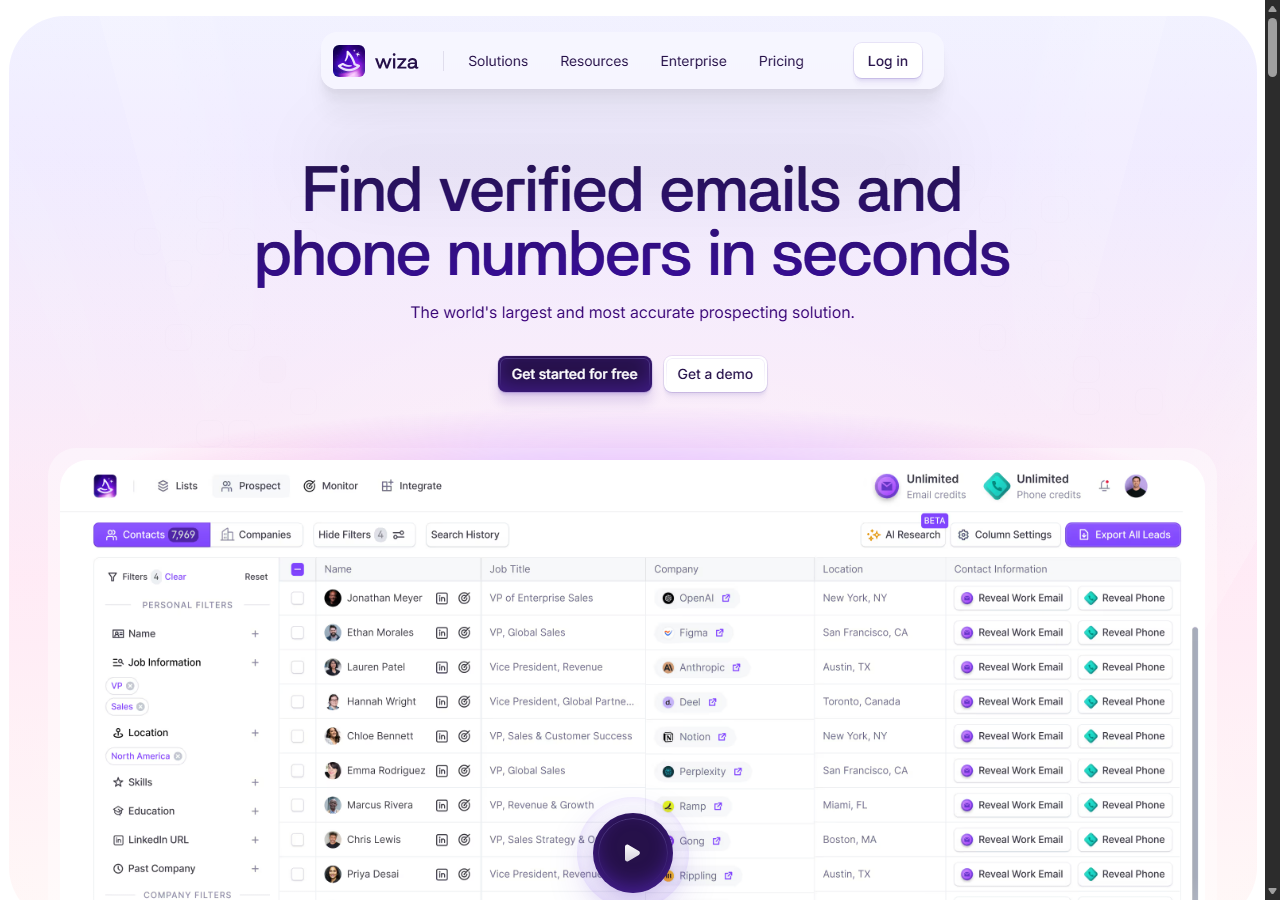
Wiza was the fastest way to turn a Sales Navigator search into a clean CSV of emails, returning a contact for 84% of my list and charging only for valid emails. You point it at a Sales Navigator search or a list, and it exports name, title, company, and a verified email, with a cap of 2,500 contacts per export and no limit on the number of exports.
What it returns. Name, title, company, verified work email, and phone where available, exported as CSV or synced to a CRM like HubSpot or Salesforce. The Sales Navigator export flow was the smoothest of the dedicated tools, which is its main draw.
- Clean Sales Navigator to CSV export, 2,500 per run
- You pay per valid email, so failed lookups stay free
- Direct CRM sync to HubSpot and Salesforce
- Built around CSV exports, so less suited to live API calls
- Pay-as-you-go email rate adds up on large pulls
Pricing. Wiza’s plan limits bill per valid email: pay-as-you-go runs about $0.35 per email and $0.35 per phone, with monthly overage at roughly $0.15 per valid email, so the effective per-1k sits near $0.30 on annual plans that bundle credits. One email credit equals one valid email returned, which keeps the cost tied to results.
Best for. Sales teams whose prospecting starts in Sales Navigator and who want verified emails in a spreadsheet fast.
5. Apify (dev_fusion actor) - best no-code enrichment
Apify was the best route when you want emails enriched inside a configurable no-code run, using a maintained LinkedIn profile actor that returns 83% match on my list. You pick an actor, paste profile URLs or a search, and it returns the records as a dataset, with the popular dev_fusion actor adding smart email discovery on top of the profile fields.
What it returns. Full profile data plus discovered email, exported as JSON or CSV, with the exact shape set by the actor you choose. Quality was good on the well-maintained actors and patchier on older ones, so a small test run before committing volume is worth the time.
- Maintained actors with profile fields plus email discovery
- Flexible inputs, schedules, and API access to runs
- Transparent per-result pricing
- You configure and maintain the actor setup
- Email discovery is best-effort, so match rate trails the database tools
Pricing. The widely used dev_fusion LinkedIn profile actor lists $10.00 per 1,000 results under a pay-per-event model, about $0.01 per profile enriched, on top of which email discovery is best-effort. Per returned contact, the effective rate works out near $0.40 per 1,000 once you account for profiles that resolve no email.
Best for. Developers and ops teams comfortable configuring an actor who want profile data and discovered emails in one no-code run.
6. Hunter.io - best for domain search
Hunter.io was the most accurate when I worked from company domains, returning a contact for 80% of my list. It is built around domain search and email verification, so its LinkedIn coverage comes through its Chrome extension and its name-plus-company lookup, and the addresses it returned were clean.
What it returns. Verified email, a confidence score, and the public sources for each address, plus name and role when found. Its verification was among the strongest in the group, which is why the accuracy gauge sits high even though its LinkedIn match rate is lower.
- High verification accuracy with a confidence score per email
- Clean API and a simple Chrome extension
- Generous transparency on where each email came from
- Domain-first design, so LinkedIn profile coverage is lighter
- Lower match rate on profiles without a known company domain
Pricing. Hunter’s pricing gives a free plan with 50 credits a month, then Starter at $49 per month for 2,000 credits, scaling to Scale at $299 for 25,000. Finding an email costs 1 credit and verifying costs 0.5, so the effective rate is around $0.49 per 1,000 found emails at the Starter tier, lower on annual billing.
Best for. Teams that prospect from company domains and care most about verification accuracy and a clean API.
Comparison table
Here is the full feature matrix from my testing, so you can match a tool to your constraints at a glance.
| Feature | ChocoData | Apollo.io | Snov.io | Wiza | Apify | Hunter.io |
|---|---|---|---|---|---|---|
| Returns parsed JSON via API | yes | yes | yes | CSV-first | yes | yes |
| No LinkedIn login needed | yes | extension | extension | cookie | yes | yes |
| Built-in email verification | yes | yes | yes | yes | partial | yes |
| Sales Navigator export | yes | yes | yes | yes | yes | no |
| Free tier | yes | yes | trial | trial | trial | yes |
| Outreach sequences built in | no | yes | yes | no | no | no |
| Price / 1k (tested tier) | ~$0.60 | ~$0.40 | ~$0.60 | ~$0.30 | ~$0.40 | ~$0.49 |
| Best for | overall | value | all-in-one | Sales Nav | no-code | domains |
What teams use LinkedIn email data for
Teams pull LinkedIn email data mostly for outbound sales and recruiting, and the use case decides how much volume you need and therefore which tool fits. The four I see most often:
- B2B outbound prospecting: building targeted lists of decision-makers by role, company, and seniority, then running cold email sequences. This is the highest-volume use and the reason credit pricing and match rate matter most.
- Recruiting and sourcing: finding candidates by skills and title and reaching them off-platform, where a verified personal or work email beats an InMail credit.
- CRM enrichment: filling missing emails, titles, and company fields on existing records, usually a steady, ongoing pull spread across the month.
- Account-based marketing: mapping the buying committee at a target account, which leans on company and seniority data as much as the email itself.
Outbound and recruiting carry the most compliance weight, since both end in a message to a named person. The bounce rate on the list is what protects or burns your sending domain: Mailchimp’s reporting benchmarks treat anything above a 2% bounce rate as a problem that hurts deliverability and sender reputation. An unverified scrape of guessed addresses blows past that threshold fast, which is why verification before sending matters more than raw volume. That is why the right pick is usually the tool that returns the most verified contacts per dollar, which is the question the final section settles.
How to choose
Choose by where your prospecting starts and how much of the stack you want to own. If you want LinkedIn profile and contact data as JSON inside your own application with no login or proxy work, a managed API like ChocoData was the cleanest in my testing. If you want a large database plus a Chrome extension and sequences in one place, Apollo.io gives the best value on credits. If you want finding, verifying, and emailing in a single tool, Snov.io fits. If your lists start in Sales Navigator, Wiza exports them to CSV fastest, and if you prospect from company domains, Hunter.io has the strongest verification.
Two practices held across every tool I tested. Verify before you send, because the scraper finding an address says nothing about whether it bounces, and bounces are what damage your domain. Pull only the fields you need, since a tighter record is cheaper per usable contact and easier to keep compliant under GDPR’s data-minimization expectation.
The one thing no tool handles for you is the law after the data lands. Scraping public profiles is defensible in the US under hiQ, it still breaches LinkedIn’s User Agreement, and the outreach itself is governed by GDPR in the EU and CAN-SPAM in the US, so document your legitimate-interest basis and include a working opt-out. I keep the full legal walkthrough in my guide on LinkedIn scraping and the Terms of Service. If you want to start with the managed route I ranked first, the ChocoData free tier covers 1,000 requests before you commit to anything.
FAQ
What is the best LinkedIn email scraper in 2026?
In my testing the best LinkedIn email scraper overall was ChocoData, which returned structured profile data at a 97% match rate with no LinkedIn login or proxy setup on my side. Apollo.io was the best value on credits for high-volume outreach, and Snov.io was the strongest all-in-one option that pairs email extraction with sequences.
Is there a free LinkedIn email scraper?
The closest free LinkedIn email scrapers are the free tiers of email finders: Hunter.io and Snov.io each give 50 credits a month, Skrapp gives 50 verified emails, and Apollo.io's free plan now caps at 100 email credits a month after its late-2025 restructuring. ChocoData's free plan covers 1,000 API requests, which is the largest free allowance in this group for pulling profile data.
Is it legal to scrape emails from LinkedIn?
Scraping public LinkedIn data is not a Computer Fraud and Abuse Act violation in the US after the Ninth Circuit ruling in hiQ Labs v. LinkedIn, but the same case ended with a $500,000 judgment against hiQ for breaching LinkedIn's User Agreement. Collecting personal emails is also processing personal data, so GDPR applies in the EU and CAN-SPAM governs the outreach in the US. I cover the rules in my guide on LinkedIn scraping and the Terms of Service.
How accurate are scraped LinkedIn emails?
Email accuracy depends on verification. Finding an address tells you little on its own. Independent benchmarks show verified B2B lists keep hard bounce rates under 2%, while unverified lists run 15% to 30%. The tools that verify before they return a contact, which most in this list do, kept my test bounces low. The ones that returned raw guesses produced more bounces.
What data can a LinkedIn email scraper extract?
A LinkedIn email scraper extracts the public profile fields plus any discoverable contact data: full name, headline, job title, current company, location, and a work email where one can be found and verified. Most tools enrich the email from third-party data, since LinkedIn hides contact info from non-connections and the address rarely sits on the profile itself.