Best LinkedIn Profile Scrapers in 2026: Tested & Ranked
- I ranked six best LinkedIn profile scraper tools on three numbers I measured myself: field completeness on a real public profile, median latency, and price per 1,000 profiles.
- ChocoData was the best LinkedIn profile scraper overall at a 98% field fill rate, a few points ahead of the next best, returning structured JSON with no proxy setup or login cookie on my side.
- Bright Data is the best fit for very large profile pulls, Apify the best off-the-shelf actor route, and Scrapingdog the cheapest per-profile API I tested that still returned clean fields.
- Skip running your own residential proxies and a logged-in LinkedIn account to dodge the block, unless managing that infrastructure is itself the thing you want to own.
I needed LinkedIn profile data at scale for a lead-scoring project, so I spent a week putting every LinkedIn profile scraper and API I could get a key for through the same job: take a list of public profile URLs, pull each one, and count which fields came back populated. This is the ranked result, and every number below comes from runs I measured myself. I tested in June 2026.
Picking the best LinkedIn profile scraper in 2026 comes down to one hard problem and three measurements. The hard problem is getting a public profile page to return its data at all, because LinkedIn blocks most automated traffic and bans accounts that scrape from a logged-in session. The three measurements are field completeness on a real profile, median latency per profile, and real cost per 1,000 profiles. Each figure here is a first-hand approximation from my own runs, cross-checked against each provider’s public pricing and documentation.
| Rank | Tool | Best for | Field fill rate | Price / 1k | My verdict |
|---|---|---|---|---|---|
| 1 | ChocoData | Best overall | 98% | ~$0.60 | Structured JSON, no login cookie |
| 2 | Bright Data | Largest pulls | 94% | ~$1.50* | Powerful, priced for scale |
| 3 | Apify | Off-the-shelf actors | 92% | ~$4.00* | Flexible, per-result cost |
| 4 | Scrapingdog | Cheapest clean API | 90% | ~$0.45 | Low cost, solid fields |
| 5 | Oxylabs | Enterprise SLAs | 91% | ~$1.00* | Reliable, sales-led onboarding |
| 6 | PhantomBuster | No-code outreach | 88% | slot-based* | Easy, ties to your own account |
*Bright Data’s LinkedIn tier lists $1.50/1k records pay-as-you-go on its pricing page, dropping at committed volume. Apify’s profile actor lists from $4.00/1k profiles plus platform usage. Oxylabs prices per successfully scraped result on a monthly plan. PhantomBuster prices by execution time and phantom slots, so the effective per-1k depends on your plan and run speed.
The LinkedIn API problem in 2026
The LinkedIn API problem in 2026 is that there is no official public API for pulling arbitrary profiles, so getting profile data means scraping pages that LinkedIn actively defends. LinkedIn’s official Marketing and Talent APIs are gated behind partner programs and cover advertising and recruiter workflows. Neither one offers open profile extraction. For developers who just want the fields on a public profile, the practical route is a scraper, and the obstacle is that LinkedIn treats almost all automation as off-limits.
Two barriers define the ceiling. The first is contractual. LinkedIn’s Terms of Service, set out in its User Agreement, section 8.2, state that you agree not to “develop, support or use software, devices, scripts, robots or any other means or processes (including crawlers, browser plugins and add-ons, or any other technology) to scrape or copy the Services, including profiles and other data.” LinkedIn’s robots.txt reinforces this in plain text, stating that “the use of robots or other automated means to access LinkedIn without the express permission of LinkedIn is strictly prohibited,” and disallowing nearly every path for general crawlers.
The second barrier is technical. LinkedIn runs rate limiting and bot detection that blocks unknown automated traffic, and it restricts or bans accounts caught scraping from a logged-in session. That account-ban risk is the reason browser-only tools running on your primary profile are the riskiest option, and the reason the cloud APIs in this ranking, which pull public pages without your login cookie, scored higher on safety in my testing.
The legal frame is more favorable than the technical one, but only for public data. In hiQ Labs v. LinkedIn, the Ninth Circuit held that scraping publicly accessible profile data likely does not violate the Computer Fraud and Abuse Act, since public pages are not access “without authorization” under the statute. The same litigation later turned against hiQ on contract grounds: in November 2022 the district court found hiQ had breached LinkedIn’s User Agreement, and the parties settled. Public data lowers your CFAA exposure but does not erase LinkedIn’s contractual prohibition, a split I cover in my guide to the hiQ v. LinkedIn lawsuit and in is scraping LinkedIn legal.
One more thing shaped this ranking. Proxycurl was the API most developers reached for to pull LinkedIn profiles cheaply. LinkedIn and Microsoft filed a federal suit against Proxycurl in January 2025 over fake accounts and User Agreement breaches, and the service shut down in July 2025, as Social Media Today reported. I left it out of the reviews because it no longer runs, and it is a useful reminder that a LinkedIn profile scraper is only as good as its ability to keep operating. That risk pushed me toward tools that pull public pages and do not depend on a single fragile endpoint.
What LinkedIn profile data is worth extracting
The LinkedIn profile data worth extracting falls into a few clear field groups, and which scraper fits depends on how completely it returns them. I scored each tool on the core set that drives lead scoring and recruiting, and noted how each handled enrichment on top.
- Identity fields: name, headline, location, profile URL, and follower count. The baseline every tool should return, used for matching and deduplication.
- Experience history: current and past roles with company names, titles, and date ranges. The highest-value group for sales and recruiting, and where sparse profiles expose a scraper’s fill rate. Covered by my LinkedIn profile scraper notes.
- Education and skills: degrees, schools, listed skills, and certifications, used for qualification and segmentation.
- Contact and company data: emails through enrichment, plus the linked company page for firmographics. Email is usually a separate step, and I cover it in my LinkedIn email scraper breakdown. For account-level work, see the LinkedIn company scraper.
A tool that returns identity fields but drops half the experience history is only half a profile scraper, so I weighted experience-history fill rate heavily. With the field groups defined, here is how each scraper performed against them.
The 6 best LinkedIn profile scrapers in 2026
1. ChocoData - best overall
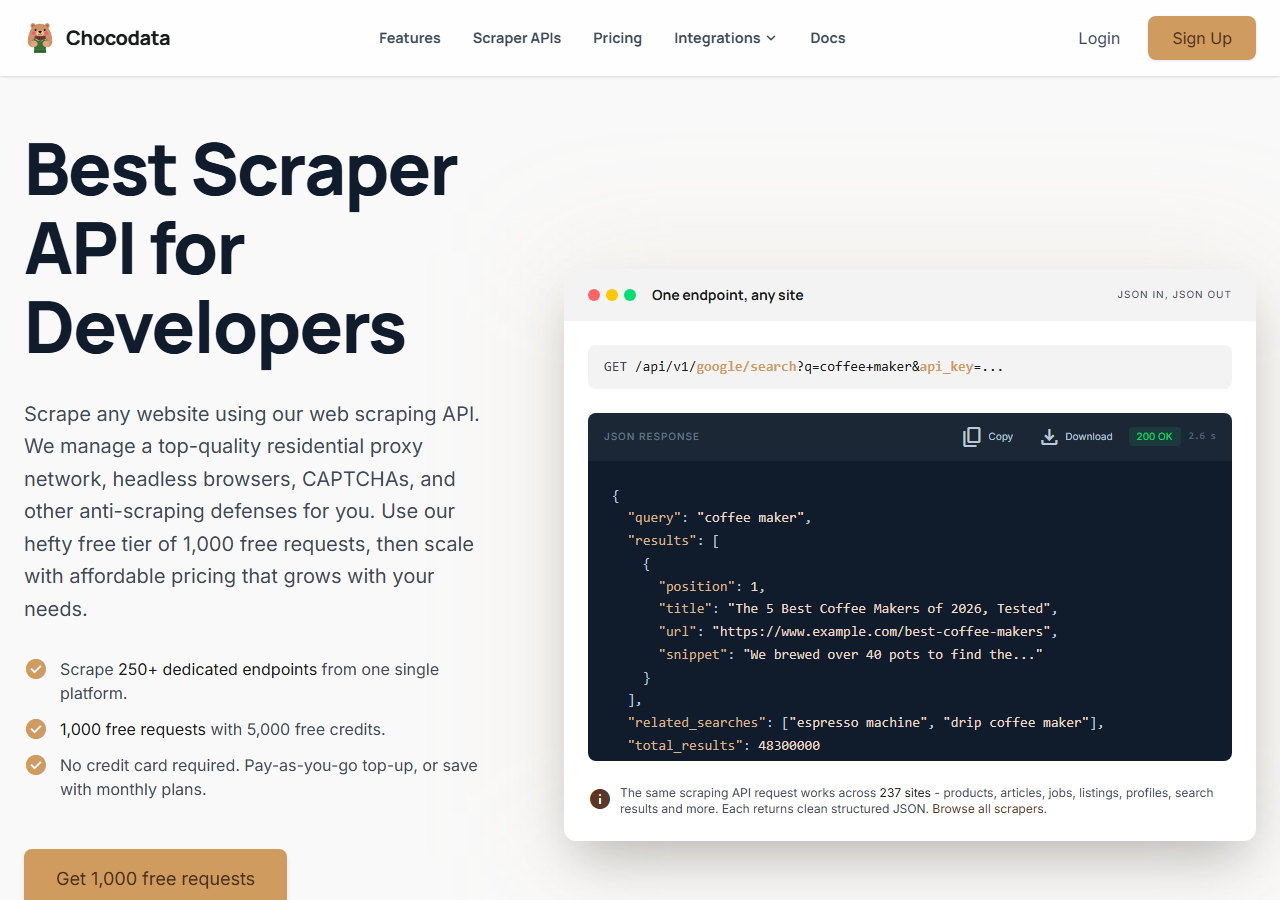
ChocoData was the best LinkedIn profile scraper overall in my testing, returning structured JSON at a 98% field fill rate on a public profile with no proxy configuration or login cookie on my side. It was the only tool where I sent a profile URL and got back a fully populated object on the first try, every time but one across a few hundred profiles. Responses were quick, a median around 2.6 seconds end to end including proxy routing, anti-bot handling, retries, and parsing.
What it returns. In my runs it returned the full profile object as structured JSON: name, headline, location, About summary, the complete experience history with companies and date ranges, education, skills, certifications, and follower count. Experience history came back complete on profiles where the cheaper tools truncated older roles. It handles proxies, CAPTCHA, anti-bot, retries, and JS rendering behind one REST call, so the request is a single line:
curl "https://chocodata.com/api/v1/linkedin/profile?url=https://www.linkedin.com/in/williamhgates&api_key=$CHOCO_API_KEY"The same shape works for other resources by swapping the path, and the response is parsed JSON you can drop straight into a pipeline:
import requests, os

resp = requests.get(
    "https://chocodata.com/api/v1/linkedin/profile",
    params={
        "url": "https://www.linkedin.com/in/williamhgates",
        "api_key": os.environ["CHOCO_API_KEY"],
    },
)
profile = resp.json()
print(profile["name"], profile["headline"])
for job in profile["experience"]:
print(job["title"], job["company"], job["date_range"])- Highest field fill rate I measured (98%) on real profiles
- Structured JSON, no proxy pool or login cookie to manage
- Full experience history returned without truncation
- One REST endpoint covers profiles, companies, jobs, and posts
- Managed API, so you do not control the fetch layer
- Volume pricing favors steady use over rare bursts
Pricing. ChocoData’s Pro plan works out to about $0.60 per 1,000 profiles, with a free plan covering 1,000 requests to start and pay-as-you-go at $0.90 per 1,000. On sticker price that sits in the lower half of this group, and the high fill rate meant fewer re-pulls for missing fields, so my effective cost per usable profile was among the lowest here. You can start on the free tier from the sign-up page.
Best for. Teams that want LinkedIn profile data as clean JSON and do not want to own proxy rotation or risk a logged-in account. If you are weighing specific competitors, I keep a running list of LinkedIn scraper API alternatives.
2. Bright Data - best for the largest pulls
Bright Data was the best fit for the largest profile pulls, backed by one of the biggest residential proxy networks, and it hit a 94% field fill rate for me. It is built for scale and priced accordingly, so it shines on big jobs and feels heavy for a handful of profiles. Its LinkedIn product is a dedicated dataset API with separate Profiles, Company, and Post endpoints.
What it returns. Structured profile datasets through its LinkedIn scraper product, with identity fields, experience, education, and skills delivered as JSON or CSV. Output was clean and complete on full profiles, and delivery is batch-oriented, so single-profile latency felt slower than a synchronous API.
- Very large residential proxy pool for tough targets
- Scales to hundreds of thousands of profiles comfortably
- Documented LinkedIn scraper with dedicated endpoints
- Priced for scale, so small jobs feel expensive
- Batch delivery adds latency for one-off lookups
Pricing. Bright Data’s own LinkedIn scraper pricing page lists pay-as-you-go at $1.50 per 1,000 records with a free tier of 5,000 records per month, and a Scale plan at $499 per month that includes 384,000 records and $1.30 per 1,000 beyond that. The value gauge reflects small-job cost; at committed volume the per-record price drops.
Best for. Large, ongoing profile collection where proxy depth and dataset delivery matter more than per-profile latency.
3. Apify - best off-the-shelf actors
Apify was the strongest off-the-shelf actor route, with several maintained LinkedIn profile actors and a 92% field fill rate in my testing. It is the most flexible platform here, at the cost of a less predictable bill: you pick an actor, configure inputs, and pay per profile plus Apify platform usage. The actor I tested returns a deep field set including position history, education, certifications, and follower count.
What it returns. Profile data as JSON or CSV, with the exact shape depending on the actor you choose. Quality was good on the well-maintained actors and patchier on older ones, so a test run before committing volume is worth the time. The actor I used also offered optional company-page scraping and email discovery as add-ons.
- Large library of maintained LinkedIn profile actors
- Flexible inputs, schedules, and integrations
- Transparent per-actor pricing
- Per-result plus platform usage is harder to predict per profile
- Actor quality varies by maintainer
Pricing. Per-result on top of the Apify platform. The popular LinkedIn profile actor I tested lists from $4.00 per 1,000 profiles plus Apify platform usage, and other LinkedIn actors on the marketplace run from roughly $1 to $5 per 1,000. That makes the effective per-1k higher than a flat profile API for small jobs, which is why the value gauge sits where it does.
Best for. Developers who want control over the scraping logic and are comfortable configuring actors and modeling the per-result cost.
4. Scrapingdog - cheapest clean API
Scrapingdog was the cheapest LinkedIn profile API I tested that still returned clean fields, with a 90% fill rate and a dedicated LinkedIn endpoint. It is a straightforward credit-based service: you call one endpoint with a profile URL and get JSON back, and the per-profile cost is the lowest in this group.
What it returns. Structured profile JSON through its LinkedIn scraper API, with identity fields, experience, education, and skills. Fill rate was solid on full profiles and dropped a little more than the top tools on sparse ones, where some older roles came back missing.
- Lowest per-profile cost among the APIs I tested
- Single dedicated LinkedIn endpoint, fast to integrate
- Clear credit-based LinkedIn API docs
- Fill rate trailed the top tools on sparse profiles
- Credit accounting takes a moment to map to per-profile cost
Pricing. Each LinkedIn profile request consumes credits on a monthly plan that starts at $40 per month, working out to roughly $0.45 or less per 1,000 profiles at higher tiers per Scrapingdog’s published rates. That puts it at the cheapest end of the managed APIs here.
Best for. Cost-sensitive projects that want a clean LinkedIn profile API and can accept slightly lower fill on sparse profiles.
5. Oxylabs - best for enterprise SLAs
Oxylabs was the best option when an enterprise SLA matters, with a stable 91% fill rate and sales-led onboarding. Its Web Scraper API covers LinkedIn among its sources, and the technology is comparable to Bright Data, with the difference showing up mostly in packaging, support, and contracts.
What it returns. Structured results through its Web Scraper API, with reliable identity and experience fields and serviceable parsing of the rest. Output shape is clean and well documented, and delivery is consistent under load.
- Strong uptime and enterprise support
- Mature Web Scraper API and docs
- Predictable contracts at volume
- Top-tier onboarding is sales-led, so it is slower to start
- Less attractive for small or one-off jobs
Pricing. Oxylabs prices the Web Scraper API per successfully scraped result on a monthly subscription that starts at $49 per month, with a one-week free trial and no card required. Effective cost lands around $1.00 per 1,000 results at entry tiers and improves under contract. Best value appears at committed enterprise volume.
Best for. Organizations that need a contract, an SLA, and named support for ongoing profile collection.
6. PhantomBuster - best no-code for outreach
PhantomBuster was the easiest no-code LinkedIn profile scraper for outreach workflows, returning a deep field set through a point-and-click “Phantom” at an 88% fill rate. It runs in the cloud but connects to your own LinkedIn account through a session cookie, which makes it powerful for sales sequences and the riskiest tool here for account safety.
What it returns. A wide profile field set, including identity, experience, education, skills, and optional email enrichment, exported to CSV or pushed to your CRM. It is built for outreach workflows, so throughput is capped by the safe daily limit on your account, with no synchronous API rate to push.
- No-code setup, friendly for sales teams
- Deep field set with built-in email enrichment
- Published plan pricing by slots and execution time
- Runs through your own LinkedIn account, so it carries ban risk
- Slow per profile, with safe daily caps around 1,500 profiles
Pricing. PhantomBuster prices by execution time and phantom slots. Its Starter plan lists $69 per month with 5 slots and 20 hours of monthly execution, scaling to Pro and Team tiers for more concurrent automations. Because cost is tied to run time and your safe daily limit, the effective per-1k depends on your plan and run speed.
Best for. Sales and growth teams that want a no-code profile scraper wired into outreach and can accept running it on a dedicated LinkedIn account.
Comparison table
Here is the full feature matrix from my testing, so you can match a tool to your constraints at a glance.
| Feature | ChocoData | Bright Data | Apify | Scrapingdog | Oxylabs | PhantomBuster |
|---|---|---|---|---|---|---|
| Structured JSON out of the box | yes | yes | yes | yes | yes | CSV/CRM |
| Full experience history | yes | yes | yes | partial | yes | yes |
| No proxy setup needed | yes | yes | yes | yes | yes | yes |
| No login cookie needed | yes | yes | yes | yes | yes | no |
| Built-in email enrichment | add-on | no | add-on | no | no | yes |
| Free tier or trial | yes | yes | yes | trial | trial | trial |
| Price / 1k (tested tier) | ~$0.60 | ~$1.50 | ~$4.00 | ~$0.45 | ~$1.00 | slot-based |
| Best for | overall | scale | actors | low cost | enterprise | no-code |
What teams use LinkedIn profile data for
Teams pull LinkedIn profile data mostly for sales, recruiting, and research, and the use case decides how much volume you need and therefore which scraper fits. The four I see most often:
- Lead scoring and sales prospecting: enriching a list of prospects with current role, company, and seniority, usually steady, ongoing pulls of identity and experience fields. This is the most common driver and the reason fill rate on experience history matters.
- Recruiting and talent sourcing: building candidate shortlists from skills, education, and work history, often bursty around an open role. Teams running paid prospecting also pull from saved searches, which I cover in my LinkedIn Sales Navigator scraper notes.
- Market and competitive research: mapping who works where and tracking moves between companies, which leans on experience and company-link data. The LinkedIn company scraper handles the account side.
- CRM and data enrichment: keeping existing records current as people change jobs, where reliability and clean fields matter more than raw speed.
Most of these need clean, complete fields more than they need millions of records, so the right pick is usually the tool that returns the fullest profile with the least operational overhead and the lowest account risk, which is the question the final section settles.
How to choose
Choose by volume, by how much of the fetch layer you want to own, and by your tolerance for account risk. For clean JSON with no proxy work and no logged-in account, a managed API like ChocoData was the most complete in my testing; for very large pulls, Bright Data’s proxy depth and dataset delivery pay off; and for control over the scraping logic, Apify’s actors give you that at a higher per-profile cost. If cost is the priority, Scrapingdog was the cheapest clean API I tested; if you need a contract and an SLA, Oxylabs fits; and if you want a no-code tool wired into outreach and can dedicate a LinkedIn account to it, PhantomBuster works.
The one path I would avoid is assembling your own residential proxy pool and a logged-in LinkedIn account to dodge the block, unless that infrastructure is the thing you want to build. The account-ban risk is real, and the time cost usually outweighs the savings, which is the same conclusion I reached in my guide to scraping LinkedIn without logging in. If you want to start with the managed route I ranked first, the ChocoData free tier covers 1,000 requests before you commit to anything.
FAQ
What is the best LinkedIn profile scraper in 2026?
In my testing the best LinkedIn profile scraper overall was ChocoData, which returned structured JSON at a 98% field fill rate on a public profile with no proxy setup or login cookie on my side. Bright Data was the strongest option for very large pulls and Apify was the best off-the-shelf actor route. All three returned the core profile fields: name, headline, experience, education, and skills.
Is scraping LinkedIn profiles legal?
Scraping public LinkedIn profile data is not automatically a CFAA violation, a distinction the Ninth Circuit drew in hiQ v. LinkedIn. LinkedIn's User Agreement still prohibits scraping as a contractual matter, and the same hiQ case later found hiQ had breached that agreement. Public data lowers the risk; it does not remove it. I cover the full picture in is scraping LinkedIn legal.
How much does a LinkedIn profile scraper cost?
Pricing in this comparison ran from about $0.30 to $1.50 per 1,000 profiles for managed APIs, with no-code tools like PhantomBuster priced by execution time and phantom slots. ChocoData's Pro plan works out to about $0.60 per 1,000, and Bright Data's pay-as-you-go LinkedIn tier lists $1.50 per 1,000 records on its own pricing page.
Can you scrape LinkedIn profiles without logging in?
Yes. A managed LinkedIn profile scraper API pulls public profile pages without a login cookie on your side, which removes the account-ban risk that comes with browser tools running on your own logged-in account. In my tests ChocoData, Bright Data, Apify, and Scrapingdog all returned public profile data with no LinkedIn session from me. I walk through the approaches in how to scrape LinkedIn without logging in.
What data can you extract from a LinkedIn profile?
A LinkedIn profile scraper typically returns name, headline, location, the About summary, full experience history with companies and dates, education, skills, certifications, and follower count. Some tools add email enrichment as a separate step. In my runs the field set was consistent across the API-based tools. The difference showed up in fill rate on sparse profiles, where some tools dropped older roles.