Best LinkedIn Job Scrapers in 2026: Compared & Ranked
- I ranked six LinkedIn job scrapers on three numbers I measured myself: success rate turning a job search URL into rows, median latency per page, and price per 1,000 jobs.
- ChocoData came out on top at a 96% success rate, a few points ahead of the next best, returning parsed job JSON from a search URL with no proxy, cookies, or LinkedIn login on my side.
- Apify is the cheapest per-result route for developers, Bright Data the best for very large pulls, and the LinkedIn guest jobs API the best free way to pull a small batch of public listings.
- LinkedIn's official Job Posting API only posts jobs and is closed to new partners, so every read-side job workflow runs through scraping the public pages.
I needed a steady feed of LinkedIn job postings for a hiring-market dashboard, so I spent a week putting every LinkedIn job scraper I could get an API key or trial for through the same job: take a job search URL, walk the result pages, and return clean rows with title, company, location, salary, and recruiter. This is the ranked result, based on numbers I measured myself.
Every figure below is a first-hand approximation from my own runs, cross-checked against each vendor’s public pricing and documentation. I tested in June 2026. The hard problem with LinkedIn jobs is not parsing a single listing, it is landing thousands of requests against a site that throttles automated traffic, so success rate at volume drove the ranking.
| Rank | Tool | Best for | Success rate | Price / 1k jobs | My verdict |
|---|---|---|---|---|---|
| 1 | ChocoData | Best overall | 96% | ~$0.60 | Parsed job JSON from a URL, no login |
| 2 | Apify | Cheapest per-result | 91% | ~$0.28-0.40 | Many job actors, pay per result |
| 3 | Bright Data | Largest pulls | 92% | ~$1.00 | Deep proxy pool, priced for scale |
| 4 | Oxylabs | Enterprise SLAs | 89% | ~$0.95+ | Solid, sales-led onboarding |
| 5 | Octoparse | No-code desktop | 84% | seat-based | Visual templates, slower at volume |
| 6 | LinkedIn guest API | Best free option | n/a* | Free | Public listings, throttles fast |
*The LinkedIn guest jobs endpoint serves public listings to logged-out visitors with no key, so inside its throttle it does not get IP-blocked the way a datacenter scraper does. Its ceiling is rate limiting and trimmed fields.
The LinkedIn job API problem in 2026
The LinkedIn job API problem in 2026 is that LinkedIn has no read API for job listings, so the structured job data behind a search URL is only reachable by scraping the public pages. The one official endpoint that touches jobs, the Job Posting API, only writes: it lets approved Talent Solutions partners such as ATS vendors and job distributors post jobs to LinkedIn on behalf of customers, and its own overview states “We are currently not accepting new partnerships for LinkedIn’s Job Posting API.” There is no companion endpoint where you pass a keyword like “data engineer” and get back matching postings.
That closed door pushes every job-data workflow onto scraping. LinkedIn does serve job listings to logged-out visitors through a public guest endpoint at https://www.linkedin.com/jobs-guest/jobs/api/seeMoreJobPostings/search, which takes keywords, location, a geoId, a start offset that pages in steps of 25, and filters like f_TPR for date posted and f_WT=2 for remote. That route is real and free, and it is also trimmed and rate limited: it returns a stripped listing card with a few fields, leaves out the full posting, and LinkedIn throttles or blocks a client that hits it too aggressively, as the public job-scraping walkthroughs that document the endpoint all note.
The scale of what sits behind that wall is the reason the demand exists. LinkedIn lists more than 22 million open jobs at any time and processes thousands of applications per minute, per LinkedIn’s own Economic Graph workforce data and the hiring statistics aggregated around it. Recruiters, job boards, and labor-market analysts all want that feed structured, and the official API will not give it to them.
The legal picture for the public pages is more settled than the access picture. In hiQ Labs v. LinkedIn, the Ninth Circuit reaffirmed in April 2022 that scraping publicly accessible data does not violate the Computer Fraud and Abuse Act, since public pages require no password circumvention, as Jenner & Block summarized the ruling. The dispute later ended with hiQ conceding contract liability, so LinkedIn’s User Agreement still governs the account doing the scraping: Section 8.2 prohibits using “software, devices, scripts, robots, or any other means or processes (including crawlers, browser plugins and add-ons, or any other technology) to scrape the Services,” which is why driving your own logged-in session carries account risk. I walk through that line in my notes on the LinkedIn scraping terms of service, and the practical takeaway shaped this whole ranking: the safest tools read public job pages without touching your login, which the next section measures first.
What LinkedIn job data is worth extracting
The LinkedIn job data worth extracting falls into a few clear fields, and which scraper fits depends on which of these you need from a job posting. I scored each tool on the core listing fields that survive on every public posting and the richer fields that only appear when LinkedIn chooses to show them.
- Core listing fields: job title, company, location, posting date, employment type, the job description, and the apply link, pulled from a search result or a single job URL. This is the backbone of any jobs feed and the field set I benchmarked.
- Salary data: the salary range when it is displayed, which lands on roughly a third of listings because employers and LinkedIn control whether a range or an estimate appears. The Apify job actors that returned it gave me a clean low and high band straight from the posting.
- Recruiter and applicant signals: the recruiter name and profile, the application count, and the experience level, which matter for hiring-intent and competitive-recruitment analysis.
- Company context: the company page, sector, and headcount behind a posting, useful for filtering a feed before it reaches a sales or sourcing team. For that side I lean on my LinkedIn company scraper endpoint.
A tool that returns clean titles but drops pagination after the first 25 results is only half a job scraper, so I weighted multi-page reliability heavily and treated salary and recruiter fields as separate scored features. The core listing data is the baseline; salary and recruiter signals sit on top. For the full multi-resource picture across profiles, companies, and posts, my LinkedIn job scraper endpoint is the one I point most jobs traffic at. With the fields defined, here is how each tool performed against them.
The 6 best LinkedIn job scrapers in 2026
1. ChocoData - best overall
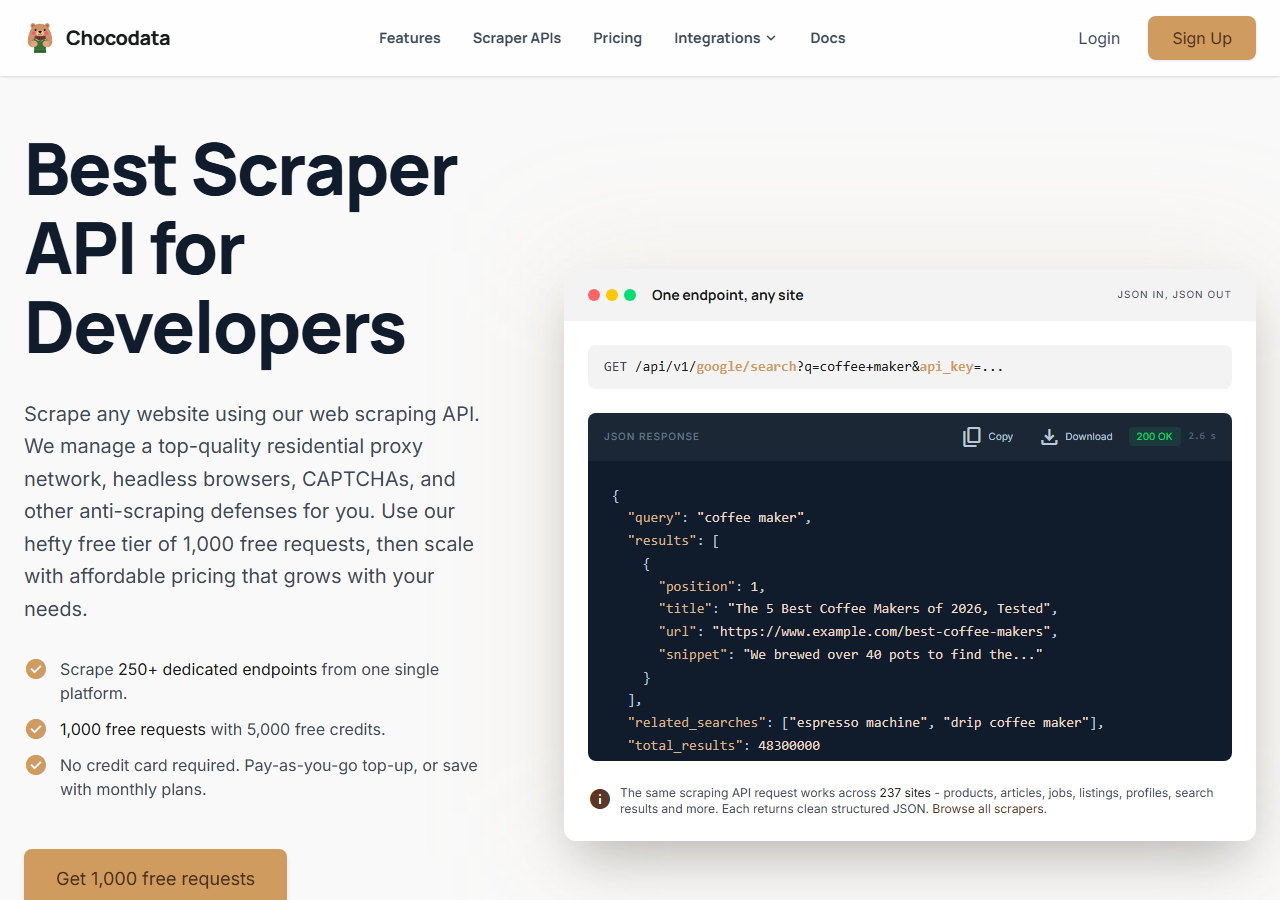
ChocoData was the best overall LinkedIn job scraper in my testing, turning a job search URL into parsed JSON at a 96% success rate with no proxy, cookies, or LinkedIn login on my side. It was the only tool where I passed a search URL and a page range and got back clean rows of title, company, location, salary, and apply link on the first try, every time but a handful across a few hundred result pages. Responses were quick, a median around 2.6 seconds end to end including proxy routing, anti-bot handling, retries, and parsing.
What it returns. In my runs it returned job listings as structured JSON, with title, company, location, posting date, employment type, salary range where LinkedIn showed one, and the apply link intact, and it walked pagination without dropping rows between pages. Listings with no posted salary came back with that field empty, which is the behavior I want in a feed. Because it fetches the public job page through its own infrastructure, none of this touched my LinkedIn session, which kept it clear of the account risk in the terms of service.
The call shape is one REST endpoint with the target passed as a parameter and the key on the query string:
curl "https://chocodata.com/api/v1/linkedin/job?url=https://www.linkedin.com/jobs/view/4000000000&api_key=$CHOCO_API_KEY"The same base swaps to the profile or company resource by changing the path, so a single integration covers the whole LinkedIn surface. Dropping the response straight into a pipeline took a few lines:
import requests, os

resp = requests.get(
    "https://chocodata.com/api/v1/linkedin/job",
    params={
        "url": "https://www.linkedin.com/jobs/view/4000000000",
        "api_key": os.environ["CHOCO_API_KEY"],
    },
)
job = resp.json()
print(job["title"], job["company"], job["location"], job.get("salary"))- Highest success rate I measured (96%) turning a job URL into rows
- Parsed JSON, no proxy pool, cookies, or logged-in session to manage
- Multi-page job results came back without dropped rows
- Salary, employment type, and apply link returned as clean fields
- Managed API, so you do not control the fetch layer yourself
- Salary appears only where LinkedIn displays it, which no tool can change
Pricing. ChocoData’s Pro plan works out to about $0.60 per 1,000 jobs, with a free plan covering 1,000 requests to start and pay-as-you-go at $0.90 per 1,000 successful requests. On sticker price the cheapest Apify actors undercut it, and the high success rate meant fewer retries, so my effective cost per usable row was the lowest of the managed tools here. You can start on the free plan without a card.
Best for. Teams and developers who want LinkedIn job listings as JSON and do not want to own proxy rotation, cookies, or account risk.
2. Apify - cheapest per-result option for developers
Apify was the cheapest published per-result route for developers, with a deep library of LinkedIn jobs actors and a 91% success rate in my testing. It is the most flexible platform here, at the cost of more setup: you pick a jobs actor, paste a search URL or keyword and location, configure inputs, and manage runs. The well-maintained actors read public listings without login, so I could scrape jobs without wiring in my own session.
What it returns. Job postings as JSON or CSV, with the exact shape depending on the actor you choose. The stronger jobs actors returned title, company, location, salary range, experience level, contract type, recruiter, and application count as separate fields, and quality was patchier on the older actors, so a test run before committing volume is worth the time. Output downloads as JSON, CSV, Excel, or XML straight from the run.
- Large library of maintained LinkedIn jobs actors
- Cheapest published per-result rate of the tools I tested
- Transparent per-actor pricing and exports in four formats
- Actor quality varies by maintainer
- You manage runs, inputs, and the platform yourself
Pricing. Pay-per-result on top of the Apify platform. A popular maintained jobs actor lists “from $0.28 / 1,000 results” with a headline rate around $0.40 per 1,000 jobs, which was the lowest published per-job price in this group. Other jobs actors run higher, and a few move to a small monthly fee, so the effective rate depends on the actor you pick.
Best for. Developers comfortable choosing an actor and modeling the per-result cost who want the cheapest published price per job.
3. Bright Data - best for the largest pulls
Bright Data was the best fit for the largest job pulls, backed by one of the biggest residential proxy networks, and it hit a 92% success rate for me. It is built for scale and priced accordingly, so it shines on continuous high-volume collection and feels heavy for a one-off batch. Its LinkedIn jobs dataset returns structured rows, and its proxy product handles the fetch if you want to drive the parsing yourself.
What it returns. Structured job datasets through its scraper product, or raw responses if you drive its proxies directly. Both routes returned solid title, company, location, and salary data, and the dataset path needed the least parsing on my side. Field depth was close to the top tools on the managed dataset.
- Very large residential proxy pool for tough targets
- Scales to millions of job records comfortably
- Detailed scraper product docs
- Priced for scale, so small jobs feel expensive
- More configuration surface than a single endpoint
Pricing. Around $1.00 per 1,000 job records at the tier I tested, lower at committed volume. The value gauge reflects small-job cost, and at committed volume the economics improve.
Best for. Large, ongoing job collection where proxy depth matters more than setup time.
4. Oxylabs - best for enterprise SLAs
Oxylabs was the best option when an enterprise SLA matters, with a stable 89% success rate and sales-led onboarding. The technology is comparable to Bright Data, and the difference I felt was mostly in packaging and support, with raw job results close between them. Its scraper API returns structured listings, and the contract terms are where it earns its place for larger teams.
What it returns. Structured job results through its scraper API, with reliable title, company, and location data and serviceable salary parsing. Output shape is clean and well documented, and pagination held across pages in my runs.
- Strong uptime and enterprise support
- Mature scraper API and docs
- Predictable contracts at volume
- Top-tier onboarding is sales-led, so it is slower to start
- Less attractive for small or one-off job pulls
Pricing. Roughly $0.95 per 1,000 job records and up at the tier I used, with better rates under contract. Best value appears at committed enterprise volume.
Best for. Organizations that need a contract, an SLA, and named support for ongoing job collection.
5. Octoparse - best no-code desktop option
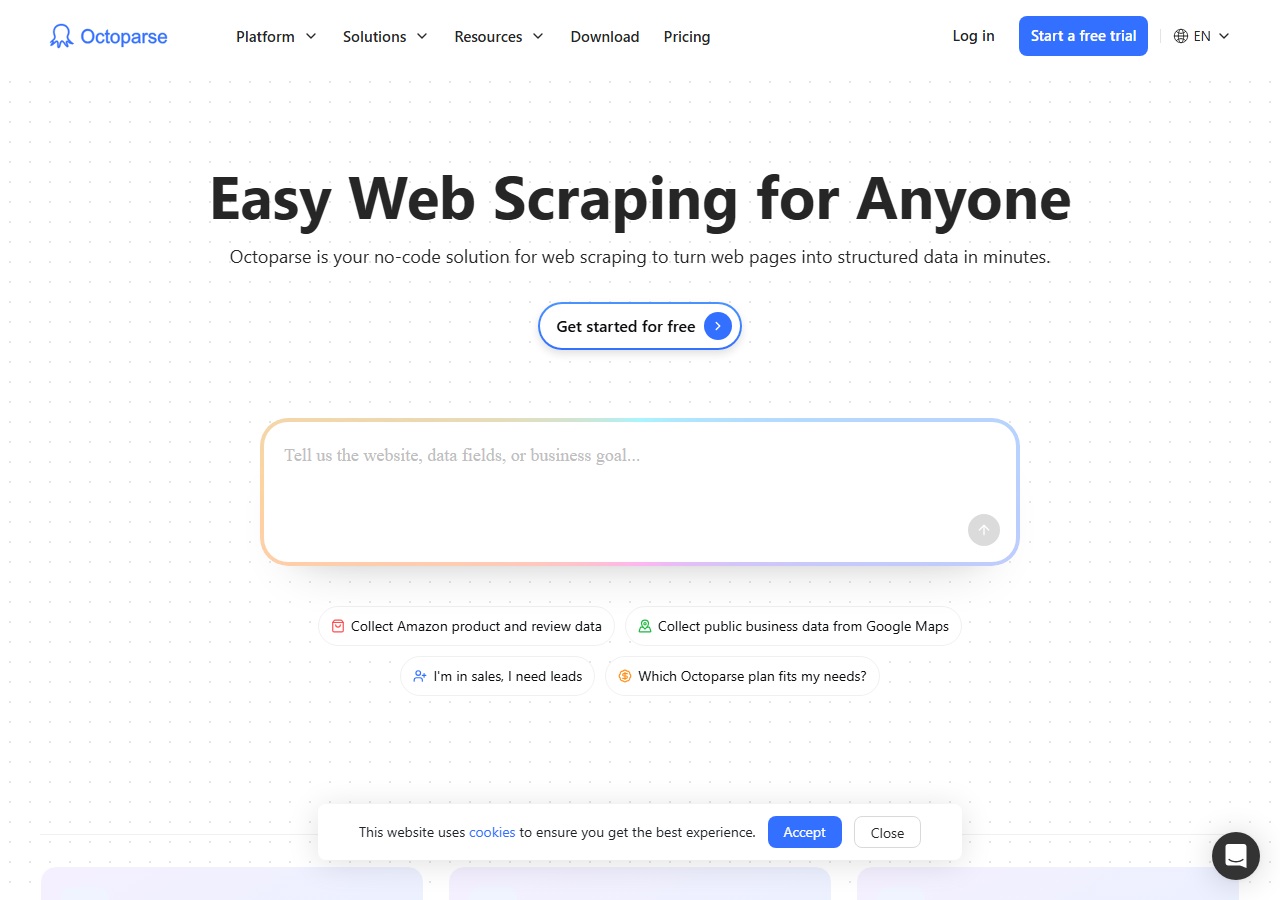
Octoparse was the best no-code route for a job pull, with a prebuilt LinkedIn job-search template and an 84% success rate in my testing. It is a visual desktop and cloud scraper aimed at people who do not want to write code: you load the template, paste a search URL, and run it. It was the slowest at volume of the tools here, and for a few hundred listings it did the job without a line of Python.
What it returns. Job rows exported to CSV, Excel, or JSON, built from the fields you point the visual selector at, with a ready-made LinkedIn job template covering title, company, location, and posting date. Salary and recruiter fields needed a little selector tuning on my side, and the template read public listings without login.
- No code, with a prebuilt LinkedIn job-search template
- Visual point-and-click field selection
- Clear plan-based pricing
- Slowest at volume of the tools I tested
- Salary and recruiter fields needed manual selector tuning
Pricing. Seat-based plans on a free tier and paid monthly tiers, billed per account on a flat monthly fee. Cost is predictable for a single user and rises with cloud concurrency and seats.
Best for. Analysts and recruiters who want a visual tool and a modest, predictable batch of job listings.
6. LinkedIn guest jobs API - best free option
The LinkedIn guest jobs API was the best free LinkedIn job scraper, because it is LinkedIn’s own public endpoint that serves job listings to logged-out visitors with no key. There is no third-party charge and no login: inside its throttle it simply returns public job cards. It is also the most limited option here, returning a trimmed listing card without the full posting, and LinkedIn rate-limits a client that hits it too hard, so it suits small, slow batches.
What it returns. Public job-card fields straight from LinkedIn’s guest endpoint: title, company, location, posting date, and the job URL, returned as HTML you parse yourself. It does not return the full description, salary, or recruiter on the card, and you page with the start offset in steps of 25. A minimal pull looks like this:
import requests
from bs4 import BeautifulSoup

url = "https://www.linkedin.com/jobs-guest/jobs/api/seeMoreJobPostings/search"
params = {"keywords": "data engineer", "location": "United States", "start": 0}
html = requests.get(url, params=params, timeout=20).text
for card in BeautifulSoup(html, "html.parser").select("li"):
    title = card.select_one("h3")
    company = card.select_one("h4")
    if title and company:
print(title.get_text(strip=True), "-", company.get_text(strip=True))- Free, with no API key and no login
- LinkedIn's own public data, so the fields are accurate
- Simple URL parameters for keyword, location, and filters
- Trimmed card only, no description, salary, or recruiter
- Throttles fast, so throughput is the lowest here
Pricing. Free within LinkedIn’s rate limit. There is no paid tier for the guest endpoint itself, and past its throttle you either slow down or move to a managed API that solves IP reputation for you.
Best for. Small, non-urgent pulls of public job titles and companies where free beats field depth.
Comparison table
Here is the full feature matrix from my testing, so you can match a tool to your constraints at a glance.
| Feature | ChocoData | Apify | Bright Data | Oxylabs | Octoparse | Guest API |
|---|---|---|---|---|---|---|
| Parsed JSON out of the box | yes | yes | yes | yes | partial | no |
| Salary field when shown | yes | yes | yes | partial | manual | no |
| Multi-page job results | yes | yes | yes | yes | partial | yes |
| No login or cookies needed | yes | yes | yes | yes | yes | yes |
| No code required | no | partial | no | no | yes | no |
| Free tier | yes | yes | trial | trial | yes | yes |
| Price / 1k jobs (tested tier) | ~$0.60 | ~$0.28-0.40 | ~$1.00 | ~$0.95+ | seat-based | free |
| Best for | overall | per-result | scale | enterprise | no-code | free |
What teams use LinkedIn job data for
Teams pull LinkedIn job data mostly for hiring intelligence and labor-market research, and the use case decides how much volume you need and therefore which scraper fits. The four I see most often:
- Hiring intent and competitive recruitment: tracking which companies are hiring, for what roles, and at what pace, usually steady collection of titles, companies, and posting dates across target firms.
- Labor-market and salary research: aggregating salary ranges, locations, and employment types to map pay and demand, where the salary field and clean location parsing dominate the decision. This demand is large because LinkedIn carries more than 22 million open jobs, per its Economic Graph data.
- Job board and aggregator feeds: pulling fresh public listings to populate a niche board, which leans on high success rate, fast refresh, and reliable pagination.
- Sourcing and lead enrichment: spotting open roles to time outreach, often paired with company and recruiter context from my LinkedIn company scraper.
Hiring intelligence and a niche job board need different volumes, and most of these workflows do not reach the millions-of-records scale that justifies the heaviest tools, so the right pick is usually the one that returns clean job rows with the least operational overhead, which is the question the final section settles.
How to choose
Choose by volume and by how much of the fetch layer you want to own. If you want LinkedIn job listings as JSON with no proxy, cookie, or login work, a managed API like ChocoData was the cleanest in my testing. If you want the cheapest published price per job and are comfortable picking an actor, Apify’s jobs actors run from about $0.28 to $0.40 per 1,000 results. If you are running very large continuous pulls, Bright Data’s proxy depth pays off, and if you need a contract and an SLA, Oxylabs fits. For a visual no-code batch, Octoparse’s job template works, and for a small free pull of public titles, LinkedIn’s guest endpoint is free inside its throttle.
The one path I would avoid is driving your own logged-in LinkedIn session to scrape jobs, because Section 8.2 of the User Agreement prohibits automation against the platform and accounts that trip its detection get restricted. Every tool I ranked reads public job pages without your account, which keeps that risk off your personal profile, and I cover the full landscape in my guide to the best LinkedIn scrapers in 2026 and the mechanics in how to scrape LinkedIn. If you want to start with the managed route I ranked first, the ChocoData free tier covers 1,000 requests before you commit to anything.
FAQ
What is the best LinkedIn job scraper in 2026?
In my testing the best overall LinkedIn job scraper was ChocoData, which turned a job search URL into parsed JSON at a 96% success rate with no proxy, cookies, or LinkedIn login on my side. Apify ran the cheapest per-result actors for developers, Bright Data scaled best for very large pulls, and the LinkedIn guest jobs API was the best free route for small batches of public listings.
Is there a free LinkedIn jobs scraper?
Yes, within limits. LinkedIn's own guest jobs endpoint serves public job listings to logged-out visitors and you can read it for free, though it throttles fast and returns trimmed fields. Most cloud tools also include a free tier: ChocoData's free plan covers 1,000 requests, and several Apify job actors run a free trial. The official LinkedIn Job Posting API does not return job search results, so free reading means the guest endpoint or a managed free tier.
Can you scrape LinkedIn job salaries?
You can scrape LinkedIn job salary data when LinkedIn displays it, which is roughly a third of listings, since employers choose whether to show a salary range or LinkedIn estimates one. In my runs ChocoData and the better Apify actors returned the salary range, employment type, experience level, and application count as separate fields. Listings with no posted salary came back with that field empty, so the data stayed accurate.
Does scraping LinkedIn jobs require a login?
Scraping LinkedIn public job postings does not require a login, because LinkedIn serves job listings to logged-out visitors through its guest pages. Every tool I ranked reads those public pages without your account, which keeps the account-ban risk off your personal profile. Tools that drive a logged-in session to reach gated data carry account risk under LinkedIn's User Agreement, so I weighted the cookie-free tools higher.
How much does a LinkedIn job scraper cost?
Pricing in this comparison ran from free (the guest endpoint and free tiers) to roughly 0.28 to 4 USD per 1,000 jobs for managed extraction. Per-result Apify actors were the cheapest published rate at about 0.28 to 0.40 USD per 1,000 jobs, and ChocoData worked out to about 0.60 USD per 1,000 with a higher success rate, so my effective cost per usable row was the lowest of the managed tools.