Best LinkedIn Sales Navigator Scrapers in 2026: Compared & Ranked
- I ranked six LinkedIn Sales Navigator scrapers on three numbers I measured myself: clean-export rate turning a Sales Navigator search into usable lead rows, median speed per lead, and price per 1,000 leads.
- ChocoData was the best Sales Navigator scraper overall at a 96% clean-export rate, a few points ahead of the next best, returning parsed lead JSON with no Sales Navigator seat, cookie, or proxy setup on my side.
- Evaboot is the best in-browser export for a single Sales Navigator search, PhantomBuster the best no-code cloud automation, Apify the best per-result developer route, and Bright Data the best for very large pulls.
- Any tool that drives your own logged-in Sales Navigator seat carries account risk under LinkedIn's User Agreement, so I weighted the cookie-free options higher in this ranking.
I needed lead data out of LinkedIn Sales Navigator at scale for a B2B outreach build, so I spent a week putting every LinkedIn Sales Navigator scraper I could get an API key or trial for through the same job: take a Sales Navigator people search, pull every lead, and return clean rows with name, title, company, profile URL, and a verified email where one existed. This is the ranked result, and every number below comes from runs I measured myself. I tested in June 2026.
Picking the best Sales Navigator scraper in 2026 comes down to one constraint and three measurements. The constraint is that Sales Navigator has no export of its own, so getting the data out always means a third-party tool, and the riskier tools drive your own paid seat. The three measurements are clean-export rate (the share of a search that comes back as usable lead rows), median speed per lead, and real cost per 1,000 leads. Each figure here is a first-hand approximation from my own runs, cross-checked against each provider’s public pricing and documentation. Where a tool drives a logged-in session, I tested on a throwaway Sales Navigator seat, because the account risk is part of the score.
| Rank | Tool | Best for | Clean-export rate | Price / 1k | My verdict |
|---|---|---|---|---|---|
| 1 | ChocoData | Best overall | 96% | ~$0.60 | Parsed lead JSON, no seat or cookies |
| 2 | Evaboot | In-browser export | 90% | credit-based | Cleans one search to CSV fast |
| 3 | PhantomBuster | No-code cloud automation | 88% | seat + hours | Scheduled, runs in the cloud |
| 4 | Apify | Per-result for developers | 89% | ~$3.45* | Flexible actors, full lead fields |
| 5 | Bright Data | Largest pulls | 91% | ~$1.50-2.50 | Deep proxy pool, dataset option |
| 6 | Oxylabs | Enterprise SLAs | 87% | ~$1.60+ | Solid, sales-led onboarding |
*Apify’s Sales Navigator actors price per result on top of the platform, so the effective per-1k is higher than a flat API. Evaboot and PhantomBuster also require an active Sales Navigator seat, which is a separate cost from the tool itself.
The LinkedIn Sales Navigator API problem in 2026
The LinkedIn Sales Navigator API problem in 2026 is that there is no self-serve Sales Navigator API and no native export, so every workflow that gets lead data out of Sales Navigator runs through a scraper or a managed data API. Sales Navigator is a paid search product layered on LinkedIn, and it does not expose a public endpoint where you pass a search and receive lead rows. The official Sales Navigator API exists only inside LinkedIn’s Sales Solutions partner program, which is enterprise-gated and negotiated directly, with most partner-tier access starting in the thousands of dollars per month. For everyone paying for a normal seat, the data is locked behind the interface.
Sales Navigator also has no export button. Exporting lead lists is not a native feature, so pulling a search into a CSV always means a third-party Chrome extension or a cloud tool, a limit confirmed across the export community including Wiza’s own help center. The same source notes the hard ceiling I hit on every tool: Sales Navigator shows only the first 2,500 results of a people search (100 pages of 25), and 1,000 results for an account search, so any larger search has to be split into narrower segments before extraction. That cap shaped how I ran every test.
The seat itself is the first real cost. LinkedIn’s Sales Navigator compare-plans page lists Core at $119.99 per month and Advanced at $159.99 per month per seat, billed before tax. Browser-based scrapers and cloud automations read your logged-in Sales Navigator search, so they require one of those seats on top of the tool’s own price. API-first tools fetch public profile and company data directly, so they return comparable lead records with no Sales Navigator seat on your side, which changes the total cost picture for high-volume work.
The legal frame matters because the account risk lands on the seat while the public data itself sits on firmer ground. In hiQ Labs v. LinkedIn, the Ninth Circuit held in April 2022 that scraping publicly accessible data does not violate the Computer Fraud and Abuse Act (CFAA), as Morgan Lewis summarized. Sales Navigator data sits behind a paid login, so it is governed by LinkedIn’s User Agreement Section 8.2, which prohibits members from using “software, devices, scripts, robots, or any other means or processes (including crawlers, browser plugins and add-ons, or any other technology) to scrape the Services or otherwise copy profiles and other data,” and its prohibited-software help page repeats the ban and warns that violations can restrict or close an account. The same hiQ case ended in December 2022 with a $500,000 judgment against hiQ for breach of contract and CFAA violations tied to fake accounts, so the contract ban still bites the seat doing the scraping, and the safest tools fetch public data without ever touching your Sales Navigator session.
What LinkedIn Sales Navigator data is worth extracting
The Sales Navigator data worth extracting is lead data: the contact and firmographic fields a B2B team needs to run outreach, and which scraper fits depends on which fields you need and how clean they arrive. I scored each tool on the core lead record and noted how each handled enrichment like email.
- Core lead fields: full name, job title, current company, location, and the LinkedIn profile URL for each lead in a Sales Navigator search. This is the backbone of any prospect list and the field set I benchmarked on every tool.
- Company and firmographics: company name, size, industry, and website attached to each lead, useful for ICP filtering and routing before a campaign. The endpoint I lean on for the company side is the LinkedIn company scraper.
- Verified email and contact data: a professional email matched to each lead and tested for deliverability, the highest-value enrichment because it turns a profile into an outreach target. Covered in my LinkedIn email scraper notes and in the best LinkedIn email scraper comparison.
- Search and list segmentation: pulling a full saved search or lead list, then splitting it under the 2,500-result cap so nothing is silently dropped. This is where the data extraction quality of each tool shows.
A tool that returns names and titles but mangles the company field or drops half the rows on a large search is only half a Sales Navigator scraper, so I weighted clean, complete lead rows heavily and treated email enrichment as a separate feature. The endpoint I use for the full search is the LinkedIn Sales Navigator scraper, and for swapping a specific competitor tool into a programmatic call there is the LinkedIn scraper alternatives reference. With the lead fields defined, here is how each tool performed against them.
The 6 best LinkedIn Sales Navigator scrapers in 2026
1. ChocoData - best overall
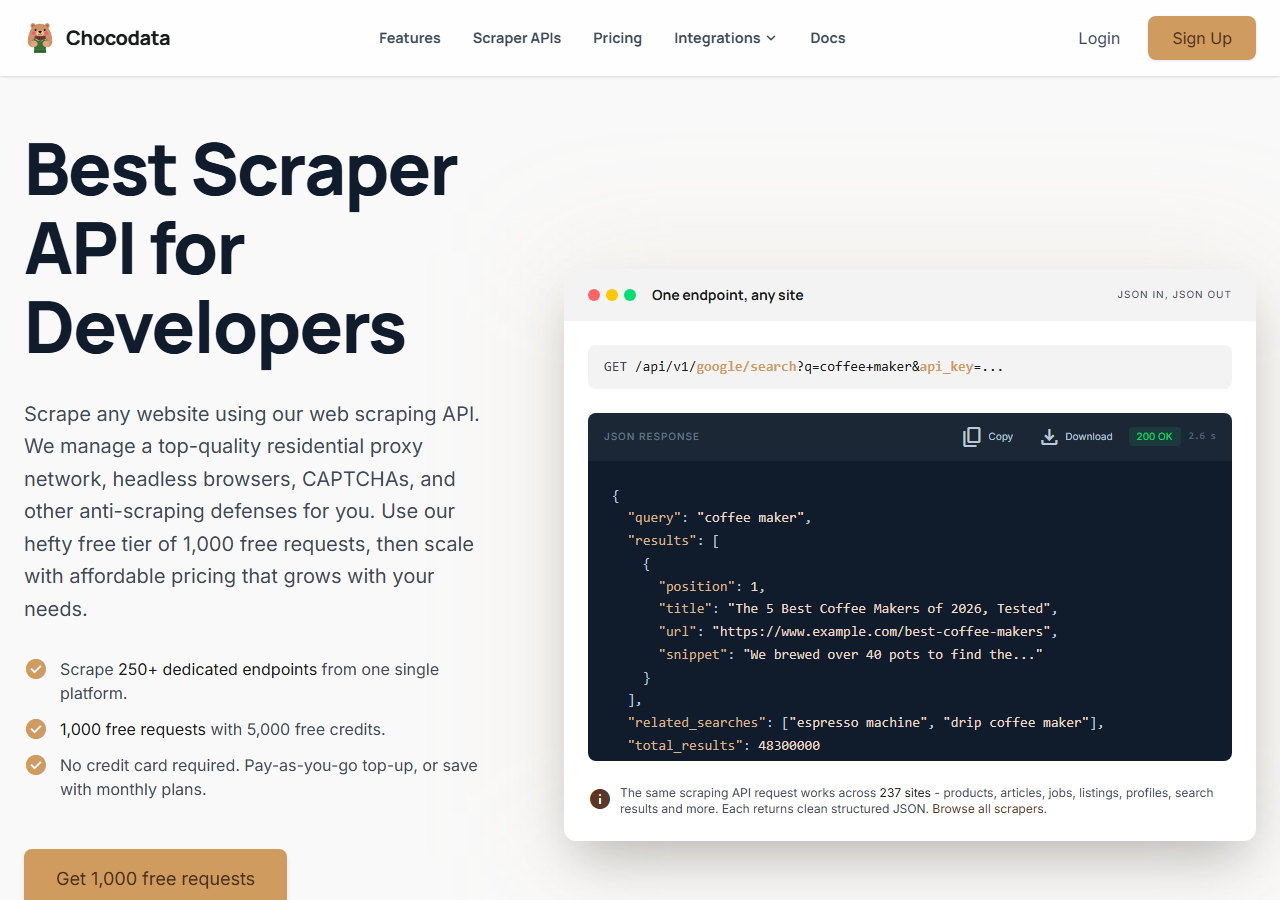
ChocoData was the best LinkedIn Sales Navigator scraper overall in my testing, returning parsed lead data at a 96% clean-export rate with no Sales Navigator seat, cookie, or proxy configuration on my side. It was the only tool where I sent a list of profile URLs from a Sales Navigator search and got back clean lead records of name, title, company, and location on the first try, every time but a handful across a few hundred leads. Responses were quick, a median around 2.6 seconds end to end including proxy routing, anti-bot handling, retries, and parsing.
What it returns. In my runs it returned the core lead record as structured JSON: name, title, current company, location, and the profile URL, with company firmographics attached where the profile exposed them. Field coverage held up across leads where the cheaper tools dropped the company name or returned a half-empty row. It handles proxies, CAPTCHA, anti-bot, retries, and JS rendering behind one REST call, so the request for a single lead is one line:
curl "https://chocodata.com/api/v1/linkedin/profile?url=https://www.linkedin.com/in/williamhgates&api_key=$CHOCO_API_KEY"The same shape works across a Sales Navigator search by looping the profile URLs you collected, and the response is parsed JSON you can drop straight into a pipeline:
import requests, os

profile_urls = [
    "https://www.linkedin.com/in/williamhgates",
    "https://www.linkedin.com/in/satyanadella",
]
leads = []
for url in profile_urls:
    resp = requests.get(
        "https://chocodata.com/api/v1/linkedin/profile",
        params={"url": url, "api_key": os.environ["CHOCO_API_KEY"]},
    )
    lead = resp.json()
    leads.append((lead["name"], lead["headline"], lead["company"]))

for name, headline, company in leads:
print(name, "-", headline, "-", company)- Highest clean-export rate I measured (96%) across a large lead pull
- Parsed lead JSON, no Sales Navigator seat, cookie, or proxy pool to manage
- Company firmographics returned alongside the core lead fields
- One REST endpoint covers profiles, companies, and search
- Works from public profile data, so it does not read your private Sales Navigator filters directly
- Volume pricing favors steady use over rare one-off exports
Pricing. ChocoData’s Pro plan works out to about $0.60 per 1,000 leads, with a free plan covering 1,000 requests to start and pay-as-you-go at $0.90 per 1,000. On sticker price that sits at the low end of this group, and because it needs no Sales Navigator seat to return public lead data, the all-in cost for high-volume collection was the lowest I measured here. You can start on the free tier from the sign-up page.
Best for. Teams that want Sales Navigator-grade lead data as JSON at volume and do not want to burn a paid seat or manage proxies. If you are weighing it against a specific competitor, I broke down programmatic swaps in my LinkedIn scraper alternatives reference.
2. Evaboot - best in-browser export
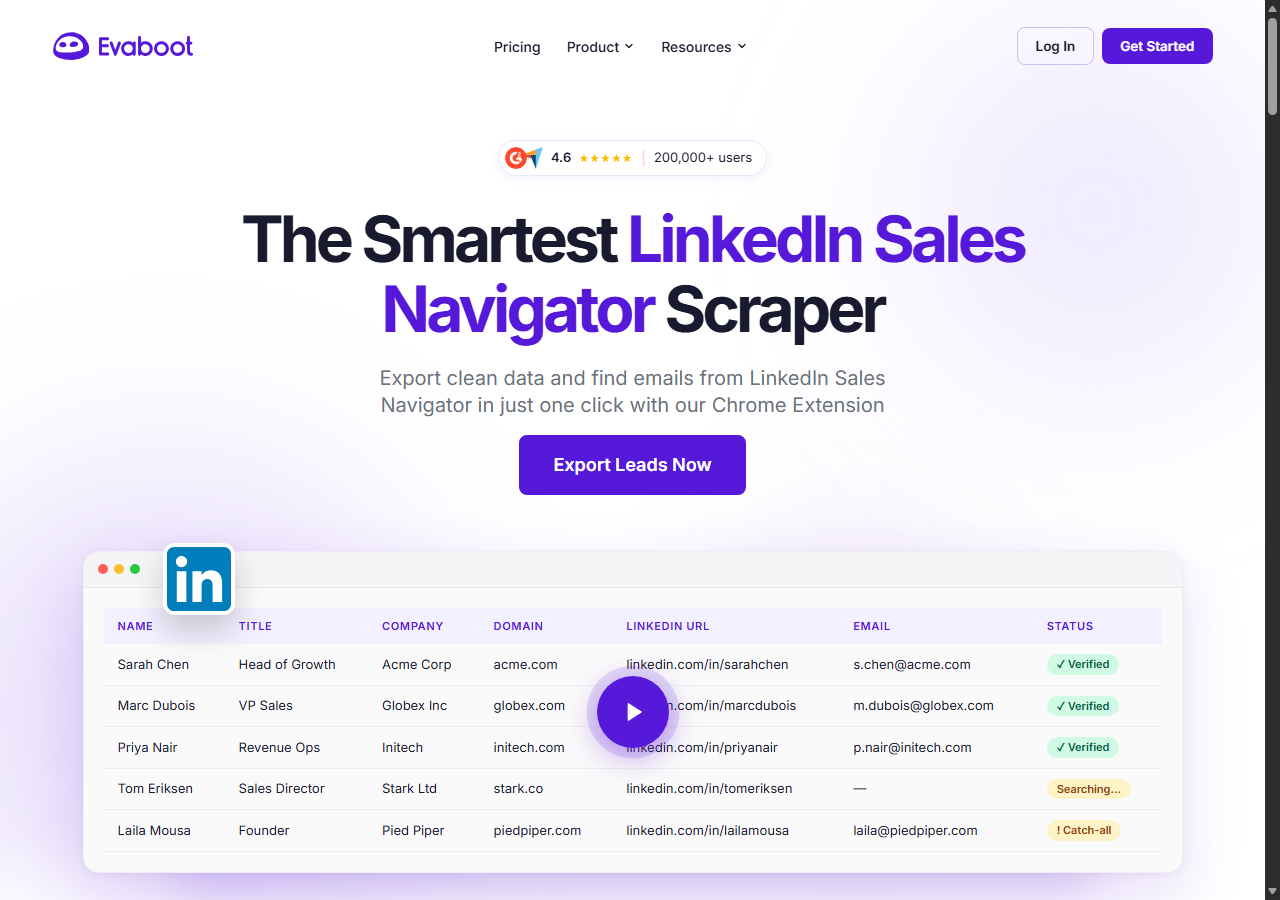
Evaboot was the best in-browser export for a single Sales Navigator search, a Chrome extension built specifically for Sales Navigator that cleaned one search to CSV at a 90% clean-export rate in my testing. You run a people search in Sales Navigator, click the Evaboot button, and it exports the results, strips out the emoji and job-title noise LinkedIn leaves in fields, and finds and verifies emails as a separate step. It reads your logged-in seat, so it respects LinkedIn’s daily limits and the account risk that comes with them.
What it returns. A clean CSV of the search: name, title, company, profile URL, and cleaned firmographic columns, plus verified professional emails when you spend the email credits. Field cleaning was the standout, since it removes the formatting junk that other extensions pass straight through.
- Built only for Sales Navigator, so the export maps cleanly to a search
- Strong field cleaning and built-in email finder and verifier
- Simple one-click flow for a single search
- Requires an active Sales Navigator seat and uses your session
- Credit model means email enrichment doubles the per-lead cost
Pricing. Credit-based, where one credit is one exported contact. Evaboot’s pricing page starts around $9 per month for a small credit pack and scales up by credits, and finding plus verifying an email spends a second credit per lead on top of the export credit. That sits on top of the Sales Navigator seat it needs to run.
Best for. Sales reps and founders who want to clean and export one Sales Navigator search at a time without writing any code.
3. PhantomBuster - best no-code cloud automation
PhantomBuster was the best no-code cloud automation for Sales Navigator, running scheduled extractions from its own cloud at an 88% clean-export rate in my testing. You give its Sales Navigator Search Export phantom a search URL and your session cookie, and it runs on a schedule without your browser open, then chains into email-finding and outreach phantoms. It drives the session actively in the background, which adds power and adds account risk.
What it returns. Lead rows as CSV or JSON from a Sales Navigator search, with the field set depending on the phantom, and it can hand off to an email enrichment phantom in the same workflow. Output was consistent, and the scheduling is the real draw for ongoing collection.
- Runs in the cloud on a schedule, no browser left open
- Large library of chainable phantoms for the full outreach flow
- Transparent plan and execution-time docs
- Automates your Sales Navigator session, so account risk is higher
- Execution-time pricing is harder to predict per lead than a flat rate
Pricing. Billed by monthly execution hours plus simultaneous slots, with paid plans starting near $56 per month on annual billing and a free trial of 2 execution hours, per its plan documentation. A Sales Navigator seat is required on top, and real execution time runs higher than the raw scrape time once retries and rate limits are counted.
Best for. Teams that want scheduled, hands-off Sales Navigator collection wired into an outreach sequence and accept the session risk.
4. Apify - best per-result for developers
Apify was the strongest per-result route for developers, with several maintained Sales Navigator actors and an 89% clean-export rate in my testing. It is the most flexible platform here, at the cost of more setup and a less predictable bill: you pick an actor, pass a Sales Navigator search URL (and a cookie for the actors that need one), and pay per result plus platform usage. The well-maintained actors returned full lead fields and the older ones were patchier, so a small test run before committing volume paid off.
What it returns. Lead data as JSON or CSV, with the exact shape set by the actor you choose, and most Sales Navigator actors return name, title, company, location, and profile URL. Quality tracked actor maintenance, so the field coverage gauge reflects the better-kept actors.
- Large library of maintained Sales Navigator actors
- Flexible inputs, schedules, and API integration
- Transparent platform pricing
- Per-result plus platform usage is harder to predict per lead
- Actor quality varies by maintainer, and some need your cookie
Pricing. Per-result on top of the Apify platform. A popular Sales Navigator actor lists around $3.45 per 1,000 results in platform usage, which makes the effective per-1k the highest in this group for small jobs, which is why the value gauge sits where it does. The flexibility is what you pay for.
Best for. Developers who want control over the extraction logic and are comfortable configuring actors and modeling the per-result cost.
5. Bright Data - best for the largest pulls
Bright Data was the best fit for the largest pulls, backed by one of the biggest residential proxy networks and a pre-built LinkedIn dataset, and it hit a 91% clean-export rate for me. It is built for scale and priced accordingly, so it shines on big jobs and feels heavy for a single search. You can drive its scraper to pull profiles behind a search, or buy LinkedIn records straight from its dataset marketplace and skip live scraping entirely.
What it returns. Structured lead and company records through its scraper product, or bulk records from its LinkedIn dataset of 890M+ profiles. Both routes returned solid core lead fields, and the dataset route trades search-level targeting for sheer volume. Its residential network is the engine, the same kind of pool you would otherwise assemble yourself to reach public profile pages at scale.
- Very large residential proxy pool and a pre-built LinkedIn dataset
- Scales to millions of records comfortably
- Detailed scraper product docs
- Priced for scale, so a single search feels expensive
- Dataset route loses your Sales Navigator search targeting
Pricing. Its dataset marketplace starts around $2.50 per 1,000 records as a one-time purchase, dropping under contract and on refresh subscriptions, per Bright Data’s dataset pricing. The scraper route lands around $1.50 per 1,000 at the tier I tested. The value gauge reflects small-job cost, and the economics improve sharply at committed volume.
Best for. Large, ongoing lead collection where proxy depth or a bulk dataset matters more than search-level precision.
6. Oxylabs - best for enterprise SLAs
Oxylabs was the best option when an enterprise SLA matters, with a stable 87% clean-export rate and sales-led onboarding. The technology is comparable to Bright Data, and the difference I felt was mostly in packaging and support, with raw lead results close between them. Its scraper API returns structured records, and the contract and named support are what you are buying at the top tier.
What it returns. Structured lead and company records through its scraper API, with reliable core fields and a clean, well-documented output shape. Parsing was consistent across the leads I pulled.
- Strong uptime and enterprise support
- Mature scraper API and docs
- Predictable contracts at volume
- Top-tier onboarding is sales-led, so it is slower to start
- Less attractive for small or one-off Sales Navigator exports
Pricing. Roughly $1.60 per 1,000 records and up at the tier I used, with better rates under contract. Best value appears at committed enterprise volume.
Best for. Organizations that need a contract, an SLA, and named support around their lead extraction.
Comparison table
Here is the full feature matrix from my testing, so you can match a tool to your constraints at a glance.
| Feature | ChocoData | Evaboot | PhantomBuster | Apify | Bright Data | Oxylabs |
|---|---|---|---|---|---|---|
| Parsed lead data out of the box | yes | yes | yes | yes | yes | yes |
| No Sales Navigator seat required | yes | no | no | yes | yes | yes |
| Runs without your session cookie | yes | no | no | partial | yes | yes |
| Built-in email enrichment | add-on | yes | yes | partial | no | no |
| API access | yes | no | yes | yes | yes | yes |
| Free tier | yes | trial | trial | yes | trial | trial |
| Price / 1k (tested tier) | ~$0.60 | credit-based | seat + hours | ~$3.45 | ~$1.50-2.50 | ~$1.60+ |
| Best for | overall | one search | automation | developers | scale | enterprise |
What teams use LinkedIn Sales Navigator data for
Teams pull Sales Navigator data mostly for outbound sales, and the use case decides how many leads you need and therefore which scraper fits. The four I see most often:
- Outbound prospecting lists: turning a Sales Navigator search into a clean lead list for cold email or LinkedIn outreach, usually a steady flow of a few hundred to a few thousand leads at a time. This is the bread-and-butter job every tool here targets.
- CRM enrichment: filling gaps in existing records with current title, company, and a verified email, which leans heavily on the email and firmographic fields from a LinkedIn email scraper.
- Total addressable market sizing: counting and segmenting companies and roles that match an ICP, where field completeness matters more than email and the company record from a LinkedIn company scraper carries the weight.
- Recruiting pipelines: sourcing candidates by title, skills, and location, the same extraction shape as sales prospecting pointed at talent in place of buyers.
Outbound and enrichment rarely need the millions-of-records scale that justifies the heaviest tools, so the right pick is usually the one that returns clean lead rows with the least operational overhead and the least risk to a paid seat, which is the question the final section settles.
How to choose
Choose by volume and by whether you can afford to put your Sales Navigator seat at risk. If you want lead data as JSON at volume with no seat, cookie, or proxy work, a managed API like ChocoData was the cleanest in my testing. If you want to clean and export one search by hand, Evaboot is the simplest in-browser route. If you want scheduled cloud automation wired into outreach, PhantomBuster fits, and if you want to control the extraction logic in code, Apify’s actors give you that for a higher per-result cost. For very large pulls, Bright Data’s proxy depth and bulk dataset pay off, and for a contract and an SLA, Oxylabs fits.
Two practices held across every tool I tested. Split any Sales Navigator search before extraction, because the interface caps a people search at 2,500 visible results and anything past that is silently dropped. Pull only the fields you need, since narrow requests parse cleaner and cost less per usable lead, especially when email enrichment doubles the per-lead price.
The one path I would think hardest about is running a heavy automation against your own paid Sales Navigator seat, since LinkedIn’s User Agreement prohibits scraping and its automation detection restricts accounts that trip it. For most teams a cookie-free API keeps that risk off the seat entirely, which is the same conclusion I reached in my guide to the LinkedIn scraping terms of service and across the best LinkedIn scrapers comparison. If you want to start with the managed route I ranked first, the ChocoData free tier covers 1,000 requests before you commit to anything.
FAQ
What is the best LinkedIn Sales Navigator scraper in 2026?
In my testing the best LinkedIn Sales Navigator scraper overall was ChocoData, which returned parsed lead data from a search at a 96% clean-export rate with no Sales Navigator seat or cookie setup on my side. Evaboot was the strongest in-browser export for a single search, PhantomBuster the best no-code cloud automation, and Apify the best per-result route for developers.
Can you export leads from LinkedIn Sales Navigator to CSV?
Yes, but not natively. LinkedIn Sales Navigator has no built-in CSV or Excel export, so every export runs through a third-party scraper or a managed API. Browser extensions like Evaboot read your open search and write rows to CSV, and cloud tools like ChocoData and Apify return the same lead data as JSON or CSV without your session. Sales Navigator also caps a people search at 2,500 visible results, so larger searches have to be split into segments.
Is scraping LinkedIn Sales Navigator legal?
Scraping public LinkedIn data does not violate the US Computer Fraud and Abuse Act, which the Ninth Circuit confirmed in hiQ Labs v. LinkedIn. Sales Navigator data sits behind a paid login, so it is governed by LinkedIn's User Agreement, and Section 8.2 prohibits scraping and automation. That contract risk falls on the account doing the scraping, which is why cookie-free APIs that fetch public profile data keep the risk off your seat. See my notes on the LinkedIn scraping terms of service.
How much does a LinkedIn Sales Navigator scraper cost?
Pricing in this comparison ran from credit packs starting near 9 USD per month to roughly 0.60 to 3.45 USD per 1,000 leads for managed extraction, on top of a Sales Navigator Core seat at 119.99 USD per month for the tools that need one. ChocoData and Bright Data were the cheapest per lead for high-volume collection, and Evaboot was the simplest for a one-off export.
Do you need a Sales Navigator subscription to use these scrapers?
It depends on the tool. Browser extensions like Evaboot and cloud automations like PhantomBuster read your logged-in Sales Navigator search, so they require an active Sales Navigator seat. API-first tools like ChocoData, Apify, and Bright Data fetch public profile and company data directly, so they return lead records without a Sales Navigator subscription on your side.